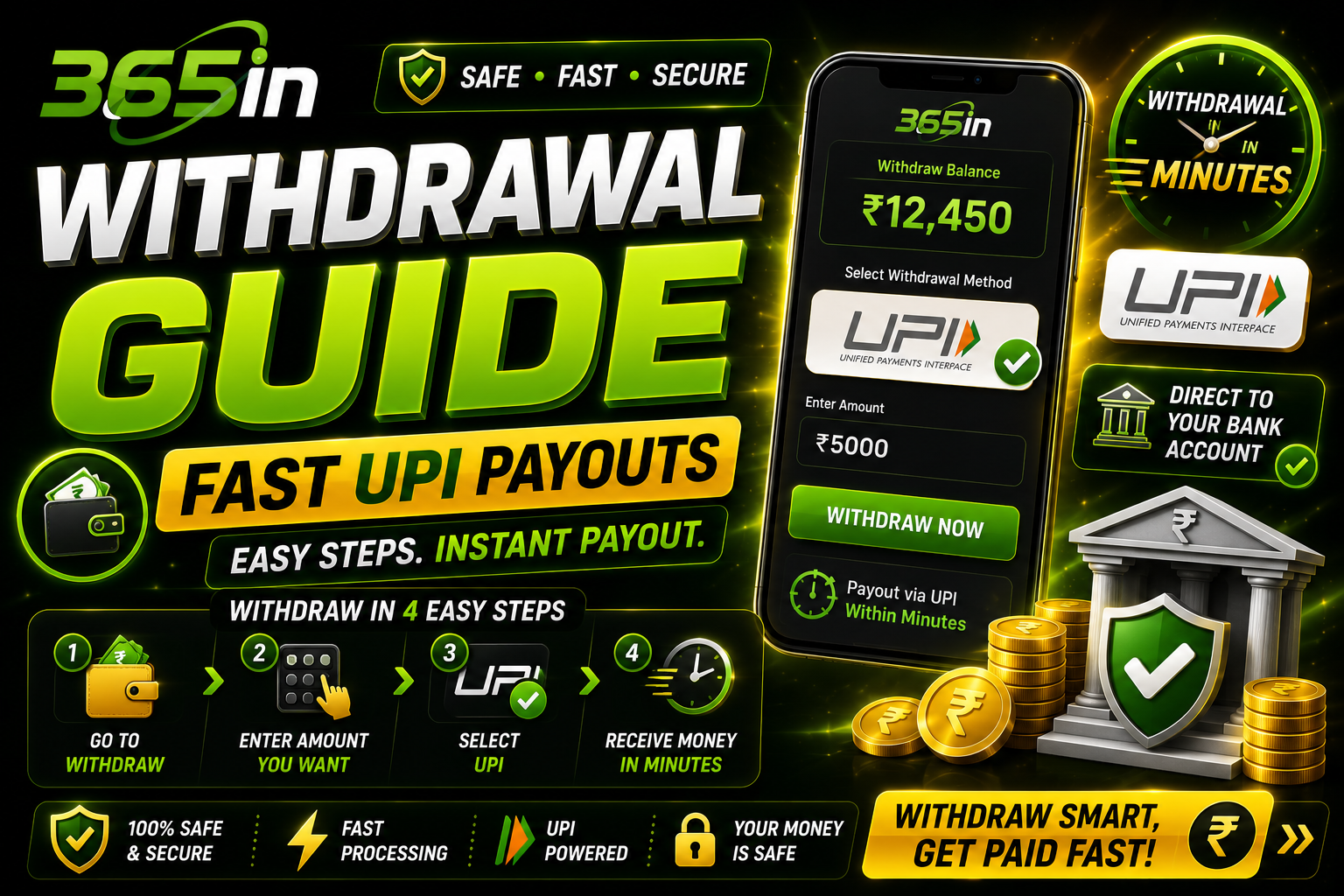
Winning is only half the fun — getting your money into your bank account quickly is what really matters. 365in is built around fast payouts, with an average 365in withdrawal time of around five minutes through UPI. This guide walks you through every payment method, the exact steps to cash out, how your 365in deposit and KYC work, the limits to expect, and what to do if a withdrawal gets stuck. Everything here is 365in India focused and reflects how the platform actually pays out winnings.
💡 Quick summary
Open your wallet, tap Withdraw, pick UPI (Paytm, PhonePe or GPay) or a bank transfer, enter the amount and your UPI ID, and confirm. Once your one-time KYC is done, most payouts land in about five minutes. The minimum withdrawal is ₹200.
Withdrawal Methods on 365in
365in supports every payment rail Indian players actually use, so you can pull your winnings straight into the app you already trust. All transactions run over 256-bit SSL encryption, the same standard used by your bank's own app.
- UPI — the fastest and most popular option. Works with any UPI ID.
- Paytm — withdraw directly to your Paytm wallet or linked UPI handle.
- PhonePe — instant transfers to your PhonePe-linked bank account.
- Google Pay (GPay) — enter your GPay UPI ID for near-instant credit.
- IMPS — direct bank transfer using account number and IFSC, available 24x7.
- Net Banking — settle larger amounts straight into your bank account.
| Method | Speed | Min |
|---|---|---|
| UPI / GPay / PhonePe | ~5 minutes | ₹200 |
| Paytm | ~5–15 minutes | ₹200 |
| IMPS | 5–30 minutes | ₹500 |
| Net Banking | 30 min – a few hours | ₹500 |
How to Withdraw Your Winnings
The whole process takes under a minute once your account is verified. After your 365in login, here is exactly what to do:
- Open your wallet. Tap the balance or wallet icon in the top corner of the 365in app or site.
- Tap "Withdraw". You'll see your withdrawable balance — this excludes any unwagered bonus funds.
- Choose a method. Select UPI, Paytm, PhonePe, GPay, IMPS or Net Banking.
- Enter the amount. Type any amount from ₹200 up to your daily limit.
- Add your payout details. Enter your UPI ID (for example
yourname@oksbi) or, for bank transfers, your account number and IFSC code. - Confirm. Review the details and tap Confirm Withdrawal. You'll get an on-screen reference and a notification when it's paid.
Double-check your UPI ID before confirming — a single wrong character is the most common reason a payout fails.
Play & Cash Out on 365in →How Long Do Payouts Take?
Speed is where 365in stands out. Here's what to realistically expect:
- UPI, GPay and PhonePe: around five minutes on average, often faster during normal hours.
- Paytm: typically 5–15 minutes.
- IMPS: usually within 30 minutes, available around the clock.
- Net Banking: normally under an hour, but can take a few hours during late-night off-peak windows or scheduled bank maintenance.
If a bank's servers are temporarily down (which happens occasionally with NPCI or specific banks), UPI transfers may queue and clear once service resumes. This is on the banking side, not 365in.
Most UPI withdrawals on 365in clear in about five minutes — by the time you've made a chai, the money is in your account.
KYC Verification: Why It's Needed
Before your first withdrawal, 365in asks you to complete a one-time KYC (Know Your Customer) check. This is a standard requirement for any real-money gaming platform in India and protects both you and the platform from fraud and identity theft.
You'll usually need to submit:
- PAN card — for identity and tax compliance.
- Aadhaar card — for address and identity verification.
Upload clear photos, make sure the name matches your bank or UPI account, and verification is typically approved within a few hours. You only do this once — every withdrawal after that is instant to approve.
⚠️ Complete KYC early & play responsibly
Finish your KYC right after signing up so your first cash-out isn't delayed. And remember: gaming involves financial risk and should be fun, not a way to make money. Set limits, never chase losses, and play responsibly.
Withdrawal Limits
Sensible limits keep transactions secure and predictable. The illustrative figures below reflect typical 365in limits — check the in-app cashier for the exact numbers tied to your account tier:
- Minimum withdrawal: ₹200 per transaction.
- Maximum per transaction: around ₹1,00,000, depending on method.
- Daily limit: roughly ₹2,00,000 across all withdrawals.
- Frequency: multiple withdrawals a day are allowed up to the daily cap.
Higher-tier and VIP players often unlock larger limits. If you've had a big win, you can split it across transactions or contact support to raise your cap.
Bonus & Wagering Before You Withdraw
Your ₹10,000 welcome bonus is fantastic value, but bonus funds carry a wagering requirement before they convert to withdrawable cash. In short: you need to play through the bonus a set number of times before it — and winnings from it — can be cashed out.
Your real money from a 365in deposit and your winnings are always withdrawable; only the bonus portion is locked until wagering is cleared. The Withdraw screen shows your withdrawable balance separately, so you'll never be confused about what's ready. Read the full terms on our bonus page before you start.
Claim ₹10,000 & Start Winning →Troubleshooting a Stuck or Failed Withdrawal
Payouts almost always go through smoothly, but if one is pending or fails, here's how to fix it fast.
Wrong or invalid UPI ID
The most common cause. Re-check every character of your UPI handle (e.g. name@okhdfcbank). If the transfer bounced, the amount returns to your 365in wallet — just retry with the correct ID.
Pending KYC
If your KYC isn't approved yet, the withdrawal will sit as "pending". Make sure your documents are uploaded and legible; once verified, the payout processes automatically.
Bank or UPI downtime
Occasionally a specific bank's servers go offline. The transaction queues and clears once the bank is back. If it's still pending after a few hours, it's worth checking.
Amount below minimum or above limit
Ensure you're requesting at least ₹200 and within your daily cap. The app will flag this, but double-check if a request won't submit.
Still stuck? Contact support
If a withdrawal stays pending beyond the expected window, reach out with your transaction reference at affiliate@play-365in.net. Support can trace the payment and resolve it quickly.
That's everything you need to cash out with confidence on 365in. Finish your KYC early, keep your UPI ID handy, and enjoy payouts that land in about five minutes. Ready to play? Explore the full games library, grab the app, or browse the FAQ for more answers.
Play & Withdraw on 365in →Step-by-Step 365in Withdrawal Guide
If you have never made a 365in withdrawal before, here is the exact process from start to finish. With your 365in login complete and KYC already done, the whole thing takes under 60 seconds.
- Open the app and tap Wallet. Find the wallet icon in the top-right corner of the home screen. Tap it to open your balance overview, which shows your withdrawable real-money balance separately from any bonus funds.
- Tap "Withdraw". This takes you to the withdrawal screen. You will see your available balance and the minimum withdrawal amount (₹200).
- Select your preferred method. Choose UPI (fastest), PhonePe, GPay, Paytm, IMPS or Net Banking. UPI is recommended for the quickest transfer.
- Enter the amount. Type in the amount you wish to withdraw — any figure from ₹200 up to your daily limit. Double-check this figure before proceeding.
- Confirm with OTP. 365in sends a one-time password to your registered mobile number as a security check. Enter it on the confirmation screen to authorise the transaction.
- Funds in approximately 5 minutes. For UPI, GPay and PhonePe, you will typically see the credit in your bank or wallet within five minutes. An in-app notification and a payment reference confirm the transfer has been sent.
Save your transaction reference number in case you need to follow up. The reference appears on the confirmation screen and is also accessible in your transaction history under Wallet.
KYC Verification: What You Need
KYC is a one-time process that unlocks withdrawals on your account. It protects both you and the platform from fraud and complies with Indian financial regulations. Here is exactly what is required and how long each step takes.
| Document Type | When Required | Processing Time |
|---|---|---|
| PAN Card | Mandatory for all players before first withdrawal — required for identity and tax compliance | Usually within 2 hours; up to 24 hours at peak times |
| Aadhaar Card | Required for address and identity verification; upload front and back | 1–4 hours after clear photo submission |
| Selfie / Live Photo | Sometimes requested to confirm the account holder matches the ID documents | 30 minutes to 2 hours |
Tips for fast KYC approval: photograph your documents in good natural light with no glare, ensure all four corners of the card are visible, and make sure the name on your documents exactly matches the name on your 365in account and bank/UPI account. A mismatch is the most common cause of KYC rejection and can delay your first withdrawal by 24–48 hours.
Complete KYC Before Your First Withdrawal
Complete your KYC verification before making your first withdrawal to avoid delays. The process takes just 5–10 minutes to submit and is typically approved within a few hours. Do it as soon as you sign up — not when you are ready to cash out.
Withdrawal Limits & Fees
| Method | Minimum | Max per Day | Fee | Typical Time |
|---|---|---|---|---|
| UPI (any handle) | ₹200 | ₹2,00,000 | None | ~5 minutes |
| PhonePe | ₹200 | ₹2,00,000 | None | ~5 minutes |
| GPay | ₹200 | ₹2,00,000 | None | ~5 minutes |
| Paytm | ₹200 | ₹2,00,000 | None | 5–15 minutes |
| IMPS (bank transfer) | ₹500 | ₹2,00,000 | None | 5–30 minutes |
| Net Banking | ₹500 | ₹2,00,000 | None | 30 min–4 hours |
Higher-tier and VIP accounts may have elevated daily limits. If you have had a particularly large win and need to withdraw more than the standard daily cap, contact support with your transaction reference and they can assist with a limit review.
Why Is My Withdrawal Delayed?
The vast majority of withdrawals process without any issue, but when one is delayed there are five common causes — and solutions.
- Pending KYC. If your identity documents have not been verified yet, all withdrawals sit in a pending queue until KYC clears. Check your KYC status under Account Settings and ensure all required documents have been submitted with clear photos.
- Active bonus wagering requirement. If you have an uncompleted wagering requirement on a bonus, some or all of your balance may be locked until the requirement is met. Your withdrawable balance on the withdrawal screen reflects only the portion that is free. Finish the wagering on eligible games first.
- Bank or UPI maintenance window. Certain banks take their payment infrastructure offline for scheduled maintenance, typically between 1 AM and 4 AM. UPI transfers initiated during this window queue and release automatically when the bank comes back online — usually within an hour.
- Incorrect account details. A single wrong character in a UPI ID causes the transfer to fail and the funds to return to your 365in wallet, sometimes taking up to an hour to reflect. Re-check your UPI ID or bank account number carefully before resubmitting.
- Technical review. Large withdrawals, unusual patterns or mismatched account details may trigger a brief manual compliance review. This is a standard security measure and usually resolves within a few hours. If a review is active, you will see a "processing" status in your transaction history.
Tips for Faster Withdrawals
- Complete KYC on day one. The single biggest withdrawal delay for new players is pending KYC. Submit your PAN and Aadhaar documents the same day you sign up — before you even make your first deposit. By the time you have winnings to withdraw, KYC will already be approved.
- Use UPI — it is consistently the fastest. UPI transfers on 365in almost always clear within five minutes. PhonePe and GPay are equally fast. Reserve IMPS and Net Banking for amounts that exceed UPI limits.
- Keep your account details current. If you change your UPI ID or bank account, update it in the app before requesting a withdrawal. A mismatch between your account settings and your actual payment details causes delays and sometimes failed transactions.
- Ensure no active bonus wagering is blocking funds. Check your bonus status before withdrawing. If a wagering requirement is in progress, clear it on high-contribution games (crash games count at 100%) before attempting to withdraw the bonus portion of your balance.
- Withdraw during business hours. While UPI is technically 24×7, early morning and late-night withdrawals occasionally experience minor queuing during bank maintenance. Monday to Friday, 9 AM to 9 PM is the window where processing is most reliably instant.